Best Of
Re: Editable Tables in Snowflake Cloud Amplifier, Magic ETL, Workflows
When I first got on the Editable Tables Beta, I could not bring their associated datasets into Magic ETL. The workaround was to create a view of the dataset, and that view did work with Magic ETL. I recently tried again, and it does appear that I am able to use the Editable Table in MagicETL now, but I haven't tested it much. All that is to say, try creating a view of the editable table for those use cases you listed.

Re: May 2026 Domo Feature Release
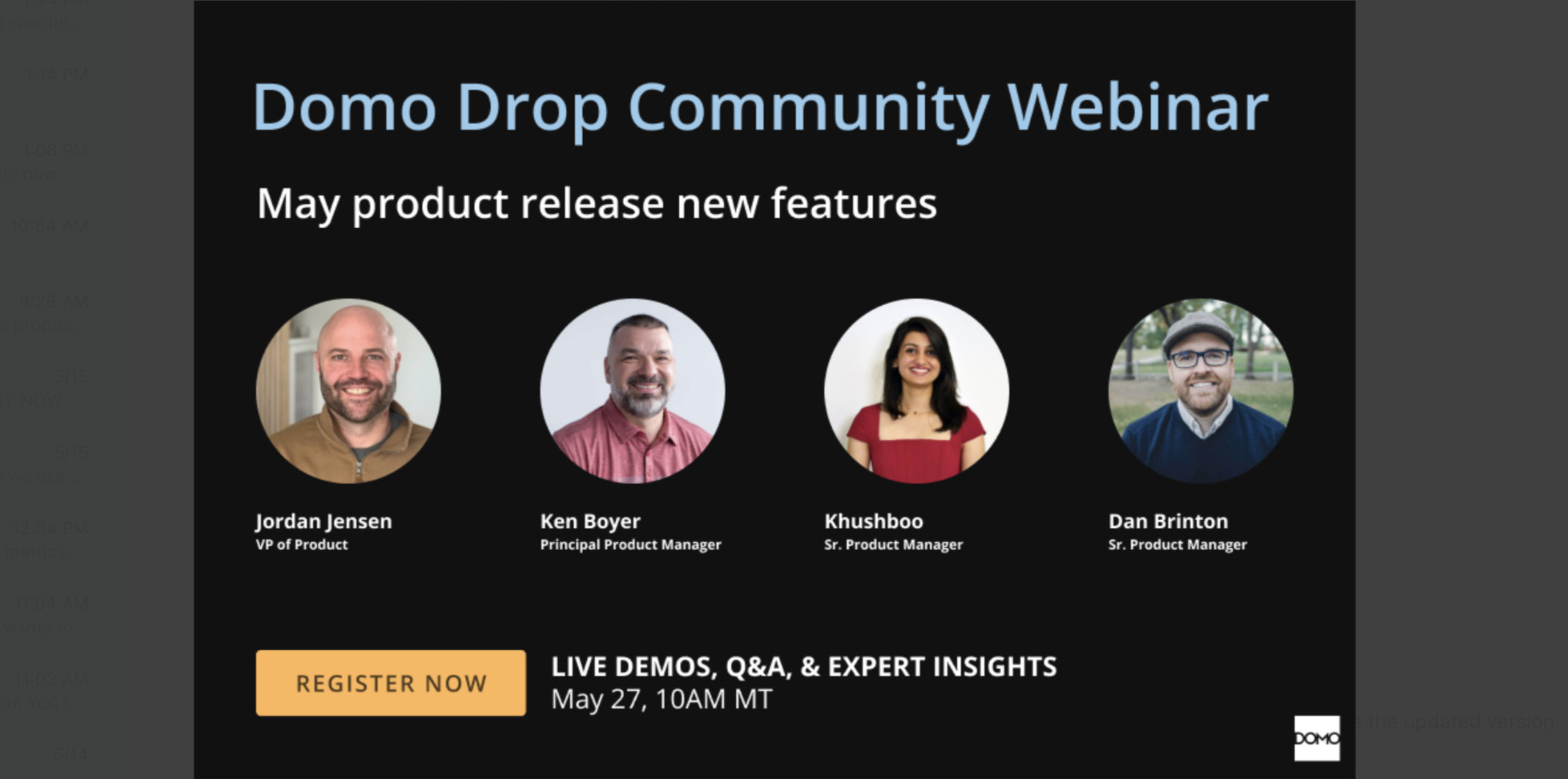
Everyone's invited to the related webinar from the product management team. Register here:

Re: Internal Audit - needs access to EVERYTHING
I would start by assigning them to the participant role and then creating a group named audit and adding the people to it. You can then go to Admin - Dashboards and choose Select All and choose Edit and select Add Users & Groups and select your group. Once they have access to a dashboard, they will have access to all the datasets used on those dashboards. You can also go to the Data Center and select multiple datasets and then add that group to give them specific access to those datasets.

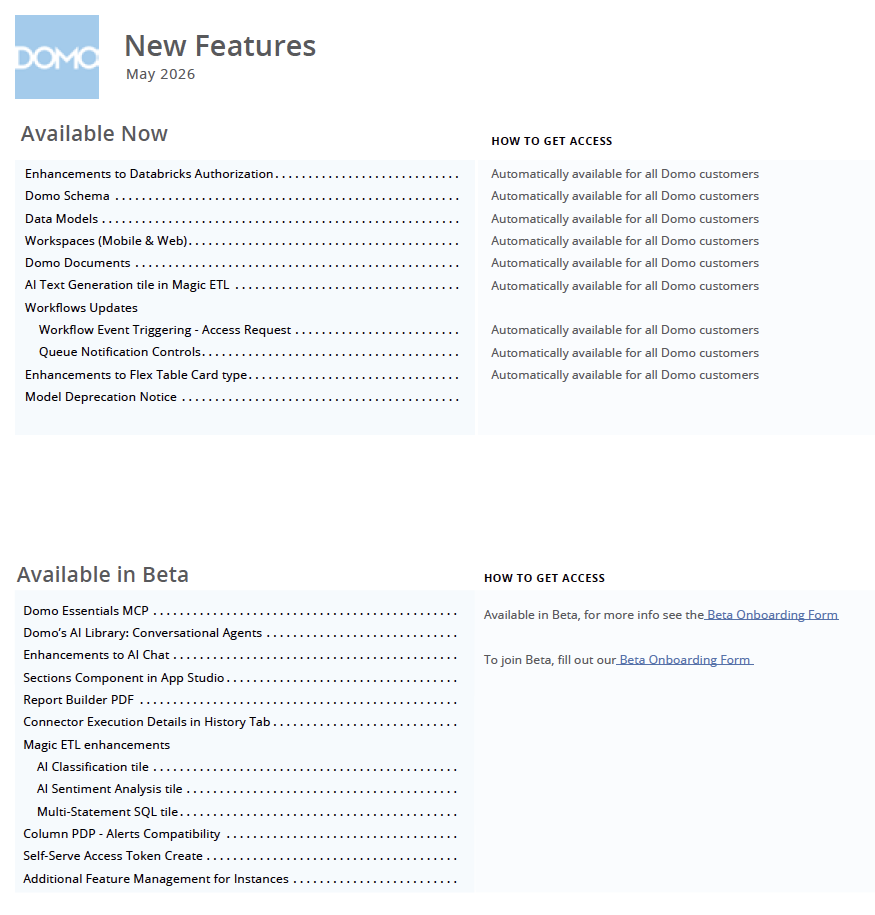
May 2026 Domo Feature Release
You should see the pop up announcements in your Domo instance today for a feature release which will be turned on next Tuesday (after the long weekend).
As always, there could be last minute adjustments and when the features are turned on next week there will be additional in product messaging as well as updates to the Domo website and Knowledge Base.
There are a ton of amazing features in this release and I cannot wait for all of you to take them for a ride!

Re: beastmode versus ETL formula - same formula, different result
This worked perfectly, I just had to modify the parenthesis a little. Thanks
 Jbrorby
Re: PDF Report Builder Beta: Pass a user-controlled filter to the report?
I agree, the filters should pass through to the report export. There is similar functionality with Dashboards so it makes sense. We have users filtering one app page down to a specific client so they can provide them a report so i think this functionality would be ideal.

Re: Is there tutorial or guide for DOMO User how to navigate and interact with App?
It's a bit mixed in, but there is information in the knowledge base for viewing apps: https://www.domo.com/docs/s/article/000005295#view-an-app
There is also a consuming data course on the university: https://learndomo.domo.com/learn/courses/231/consuming-data-in-domo
 brycec
Hide graphic until filters are selected
I have a line graph that looks like Salvador Dali had at it until the two required filters are set. I tried using an If statement that did improve the way it looks when nothing is selected, choosing either filter turns it back into cubism.
CASE WHEN PARENT_BRAND IS NULL THEN 0
WHEN PRODUCT_CATEGORYIS NULL THEN 0
ELSE Age_Market_Share END
The value is a decimal/percentage.
I don't care if it hides the graph entirely or sets them to 0 or 100%. Also, since I'm sure it will be suggested, there's not a logical default we can set it to that wouldn't actually be a negative experience in this use case.
Thanks in advance for the help!

Mindstream Media: Driving smarter media buying decisions with Domo
Dallas-based Mindstream Media is a media agency that helps brands accelerate growth through performance-focused media buying.

Key highlights:
- Challenge: This media agency wanted to scale its analytics practice so it could deliver real-time, actionable insights to both clients and internal teams.
- Solution: Mindstream Media used Domo to centralize reporting, standardize metrics, and build scalable, real-time dashboards for clients and internal teams.
- Impact: Thanks to Domo, the agency improved its efficiency, reduced its QA complexity, and can now better help its clients drive measurable results.
“I’ve seen Domo time and again be a huge selling point. It’s like a mic drop in a new business pitch.”
—John McMurray, senior director of marketing analytics