Best Of
Re: Curved line + stacked vertical bar
If you switch to the line + stacked bar, the general chart properties has the option for number of running total bars. I'm not sure why it isn't available in the curved line card, but you could do it if you switched card types.


Re: Curved line + stacked vertical bar
the easiest way according to your screenshot is ....
for question 1 : you can move the series to the sorting options and sort desc , that way BGT will show up first then , B and A
for question 2: go to properties, general and type 2 in the "series on left scale" , this will make BGT and B be lines and A a bar.
 Godiepi
Re: Curved line + stacked vertical bar
The curved line will use what is in the y-axis, so drag the field that you want as your first curved line into the y-axis field.
To add a second curved line, go to the Chart Properties - General and enter 2 in the Series on Left Scale property. Next, drag the field that you want as the 2nd curved line into the series and make sure it is the first item in the series.
Drag the field that you want as the bar into series, but make sure it is after the first item in the series that you wanted as the 2nd curved line. The card will use the 2nd item in the series as the bars.
Make sure to choose the appropriate aggregation type for each item that you drag into the y-axis and series
Re: How to indicate the values of two columns on Y axis
@eriena this article has some information on tooltips https://domohelp.domo.com/hc/en-us/articles/360043429693-Formatting-Data-Label-and-Hover-Text-in-Your-Chart#h_01FARDTG1PPD557W7KSJ7D09FQ
 Ashleigh
Re: Go to next page in List of Users?
@MarkSnodgrass never mind,I got it! thank you for your help!

Re: Does Domo have the equivalent of a SQL Server "View"?
Hi @JunkDoom
Domo does have DataSet Views which function similar to database views. You can read more about them here: https://domohelp.domo.com/hc/en-us/articles/360046074774-DataSet-Views

Re: Does Domo have the equivalent of a SQL Server "View"?
Hi @JunkDoom yes, Domo has a relatively new feature called DataSet Views that allows simple joins and transformations. You can read more about it here: https://domohelp.domo.com/hc/en-us/articles/360046074774-DataSet-Views

Re: How to change the owner of a data connector
Hi @WizardOz, are you looking to change the data connector account ownership or any given dataset that sit under your connectors?
If it's the former, then the steps are:
- The new owner needs to first setup admin accounts of each platform (for example, Eloqua), ensuring the same accesses and privileges as the previous owner
- Once there is a duplicate account for each the platforms of interest, the new owner would need to hover over the ‘Dataset’ count of the old owner’s Account

- After clicking ‘Change owner’, you should see a window with two options. Click on ‘Change Account’

- After selecting the correct account name (corresponding to the new owner) from the options list, the existing datasets should then be connected to the new account owner, and the count on the previous owner should be ‘0’
If you are enquiring about the latter case, there's an article on how to change ownership on a dataset: https://domohelp.domo.com/hc/en-us/articles/360042926074-Changing-the-Owner-of-a-DataSet
 amehdad
Re: How to build card|total headcount based on the Hire date and termination date
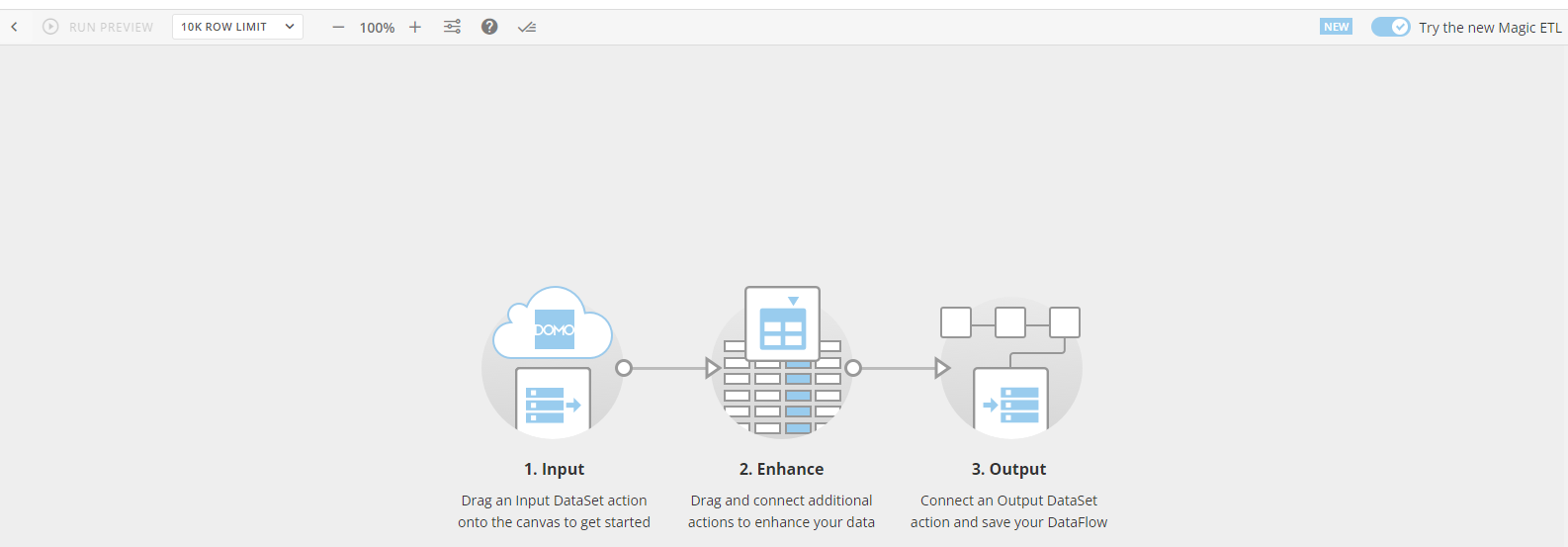
Hi @Abhijith, so when you have your empty canvas in the ETL, like the example below, you can then copy and paste Grant's code and it will automatically populate the tiles and dataflow.
 amehdad
Re: Export card data using Python, PyDomo
Hi @JR_Iron, have a look through this article [https://developer.domo.com/docs/dataset/import-and-export-data], including sample request codes in Python, to see if you can export your data that way.
amehdad