Best Of
Re: Help with a DATEDIFF calculation to create multiple ranges to sort on
No worries @BV_Brandon. I was in your shoes a year ago, new to SQL. Take full advantage of the Dojo and don't be afraid to ask questions.
The Domo support number was also a great resource while I was getting up to speed.
801.805.9505

Re: Help with a DATEDIFF calculation to create multiple ranges to sort on
no. You just missed a comma after `total_revenue_usd`
Re: Help with a DATEDIFF calculation to create multiple ranges to sort on
try flipping the values your are looking for to negatives
DATEDIFF takes the first date minus the second date. If I created the account yesterday and bought today, 4/25/2018 - 4/26/2018 would give you -1; not 1.
Either switch the sign, or change the order of the dates, or take an ABS() of the calculation
Re: Number of week calculations for fiscal YYWW (Year, Week of year)
What I'd recommend is establishing a new date dimension dataset which has each of your fiscal week values for each of the dates, you can then join this to your dataset to have the correct fiscal week number

Re: How do I get the summation of a group of numbers to display?
You may want to try adding an else statement to your beastmode then.
Something like this:
CASE WHEN `location_completed_timestamp` IS NOT NULL
AND `count_id` = MAX(MAX(`count_id`)) OVER (PARTITION BY `cyclecountgroup_id`, `storagename`, `sap`)
THEN `actual_quantity` ELSE 0 END
Re: Trying to get card that shows the row count that is shown in the data warehouse
@apritchett so within that there should be a number of options for the report:

are you using the Datasets report?
also - do you have access to all the datasets in your instance? I'm not sure, but I wonder if that may impact the number you see in the data warehouse vs what you see in your card
 mhouston
Re: Trying to get card that shows the row count that is shown in the data warehouse
@apritchett which domo governance dataset are you using?
I have used the domo governance third party connector with the datasets report and was able to create a card that showed the correct total.
Depending on which report you are using, you may have multiple rows per dataset, which would inflate your row count if you are just doing a sum().
mhouston
Re: Split varying full names into First Name, Middle Name, and Last Name
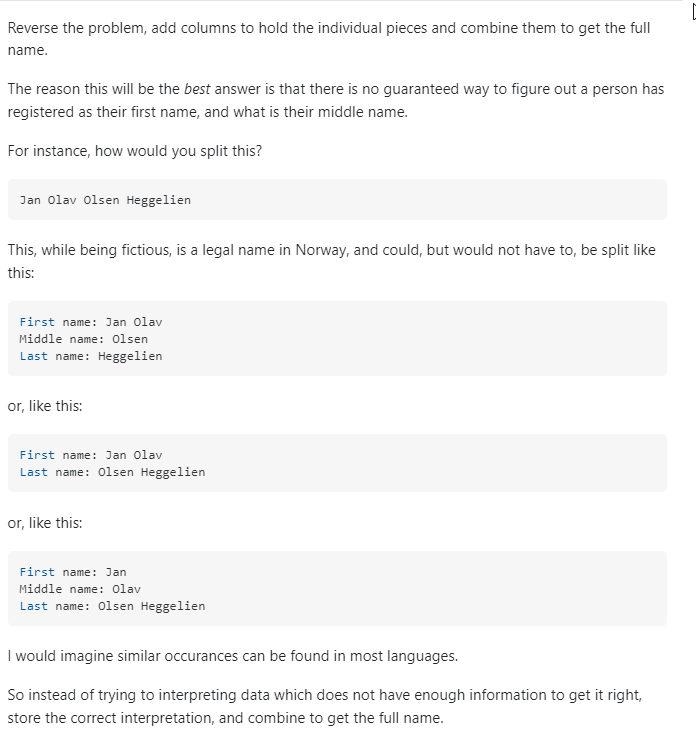
The best way to get 100% of the way there is to fix the data input. If that isn't a realistic option, splitting each word into columns and saying that the first word is FN the last word is LN and everything in between is middle might be the best option. Without knowing which name is exactly which, there is no 100% answer.
 damen
damen
Re: Sum if using Case When
Try this:
SUM(CASE WHEN `Data` in ('Goal','Pipeline','in P&L') THEN `Total` ELSE 0 END)
This should get the total you want.

