Best Of
Re: Split varying full names into First Name, Middle Name, and Last Name
Agree with @damen that there is not a perfect solution since you have to assume a single first name and single last name, but here are some things you can do to get close if you can't fix the source data. Leveraging the formula tile in Magic ETL, you can create formula fields and then reference within that same tile. Here are some useful ones to create.
Start by eliminating multiple spaces between words and beginning and trailing spaces with the squash_whitespace function
full_name = squash_whitespace(`full_name`)
find the length of the name
str_length = length(`full_name`)
remove all spaces and find the length
str_length_no_space = LENGTH(REPLACE(`full_name`,' ',''))
subtract the two to find the number of spaces
num_spaces = `str_length` - `str_length_no_space`
first name is straightforward using the split_part function
first_name = SPLIT_PART(`full_name`,' ',1)
last name will utilize the num_spaces with the split_part function
last_name = SPLIT_PART(`full_name`,' ',`num_spaces`+1)
middle name is going to be a little trickier. I would suggest utilize a case statement using the num_spaces field and then concat accordingly
CASE WHEN `num_spaces` = 2 THEN
	SPLIT_PART(`full_name`,2)
WHEN `num_spaces` = 3 THEN
	CONCAT(SPLIT_PART(`full_name`,2),' ',SPLIT_PART(`full_name`,3))
END
You could extend this out further if there are additional spaces.
Hope this helps.

Re: Split varying full names into First Name, Middle Name, and Last Name
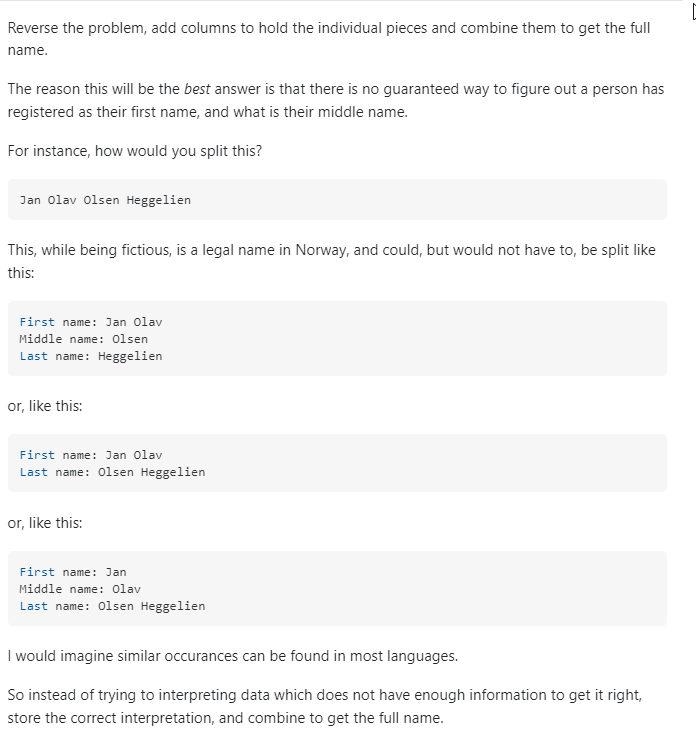
The best way to get 100% of the way there is to fix the data input. If that isn't a realistic option, splitting each word into columns and saying that the first word is FN the last word is LN and everything in between is middle might be the best option. Without knowing which name is exactly which, there is no 100% answer.
 damen
damen
Re: Multiple Event Types on a Calendar Card
This has now been added to the Ideas Exchange under: Multiple Events aligned on a single Calendar Card
 Samuel.
Re: Multiple Event Types on a Calendar Card
Hi @Stuck, the default 'Calendar' chart doesn't allow more than one fields to be displayed, nor does it allow tooltips. As a result, there's a solution that I've outlined to layer multiple fields but using a custom svg chart route: https://www.domo.com/blog/devising-a-custom-calendar-with-tooltips/.
Let me know if there are any questions on that write-up.
 amehdad
Re: Multiple Event Types on a Calendar Card
No worries at all, @amehdad - more than happy to do that.
One thing I have noticed, though, is that you can force a data label to populate if you leave the value field unpopulated - this means you can at least generate a list of objects against a specific date instead of populating just a number. It's a shame you can't do more with the tooltip process on calendars, as I think they could be such a powerful card with a few extra features.
Samuel.