Best Of
Re: How to extract Date from TimeStamp1, Time from TimeStamp2, and then combine the two?
Try this:
Use the DATE() function to extract the date from the field you want just the date
Use the TIME() function to extract the time from the field you want just the time
Use the ADDTIME() function to add the two together ADDTIME('dt','tm')
I did a quick test in Magic ETL and it worked for me. I had them each separated for testing, but you should be fine wrapping it all into one like this:
ADDTIME(DATE('datefield',),TIME('timefield'))

Re: How to work a dynamic textbox
Ahh... I think I see the issue. Put your actual event date field in your sorting field and not the beast mode formatted field. I failed to notice in my own configuration that I have the actual date field in the sorting. Sorry I didn't catch that earlier.
Re: Correcting date format in Magic ETL
@jhester yes, the formula tile in magic ETL gives you beast mode functionality within the ETL. You can overwrite existing columns or create new columns. You can find the formula tile under the utility section on the left side.
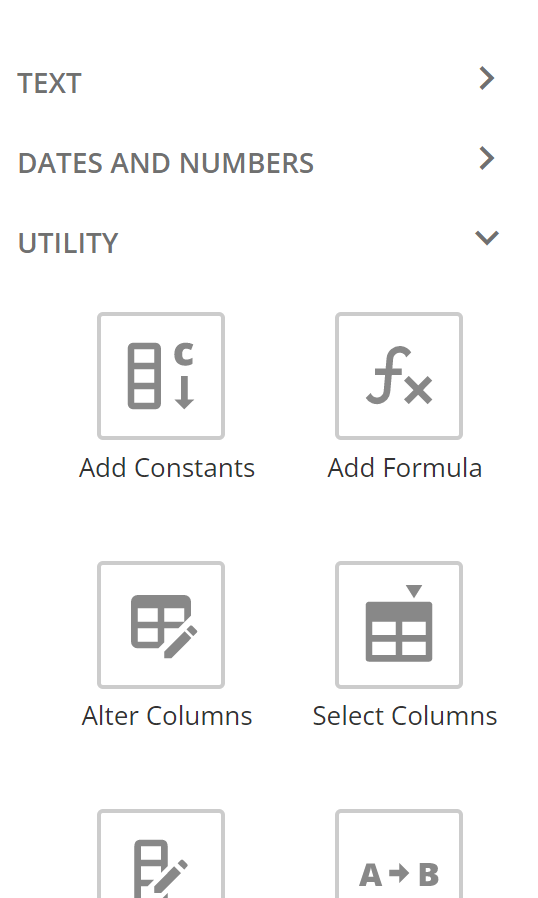
I have created a video that walks you through using the tile that you may want to watch.
Re: Filtering data will completely remove blank values
This is how DOMO has handled filtering with null values for awhile now; I can't remember if it was for New ETL or an update after that. I suggest assigning a value for the NULL values using Value Map or Formula in ETL.
CASE WHEN FieldA IS NULL THEN 'Blank' ELSE FieldA END
This should save the data from being deleted by your filter.
 a10hall